← All guides
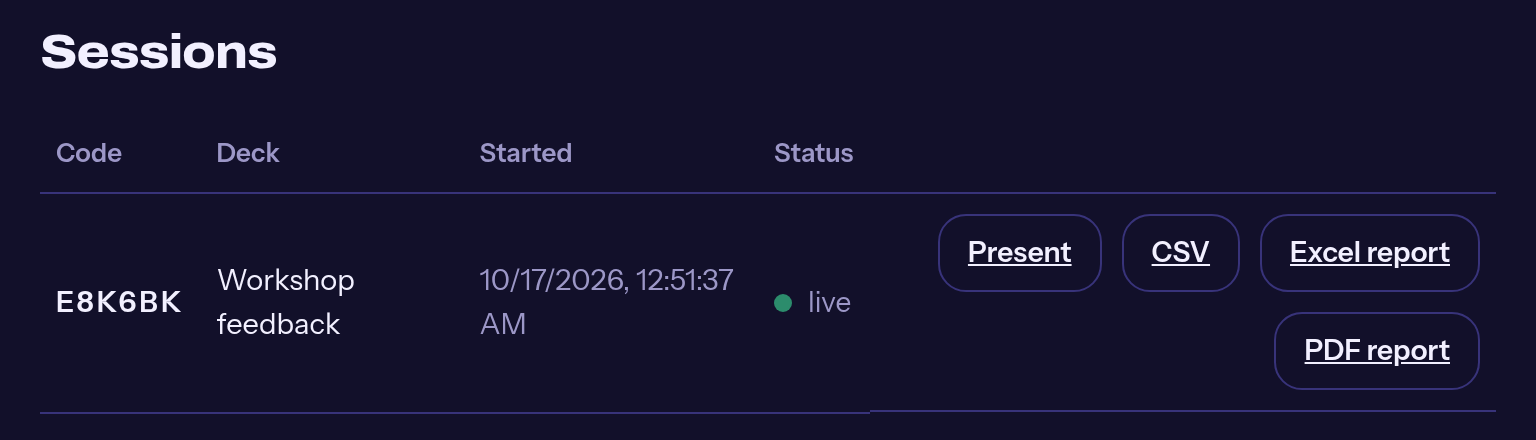
The three downloads on every session. 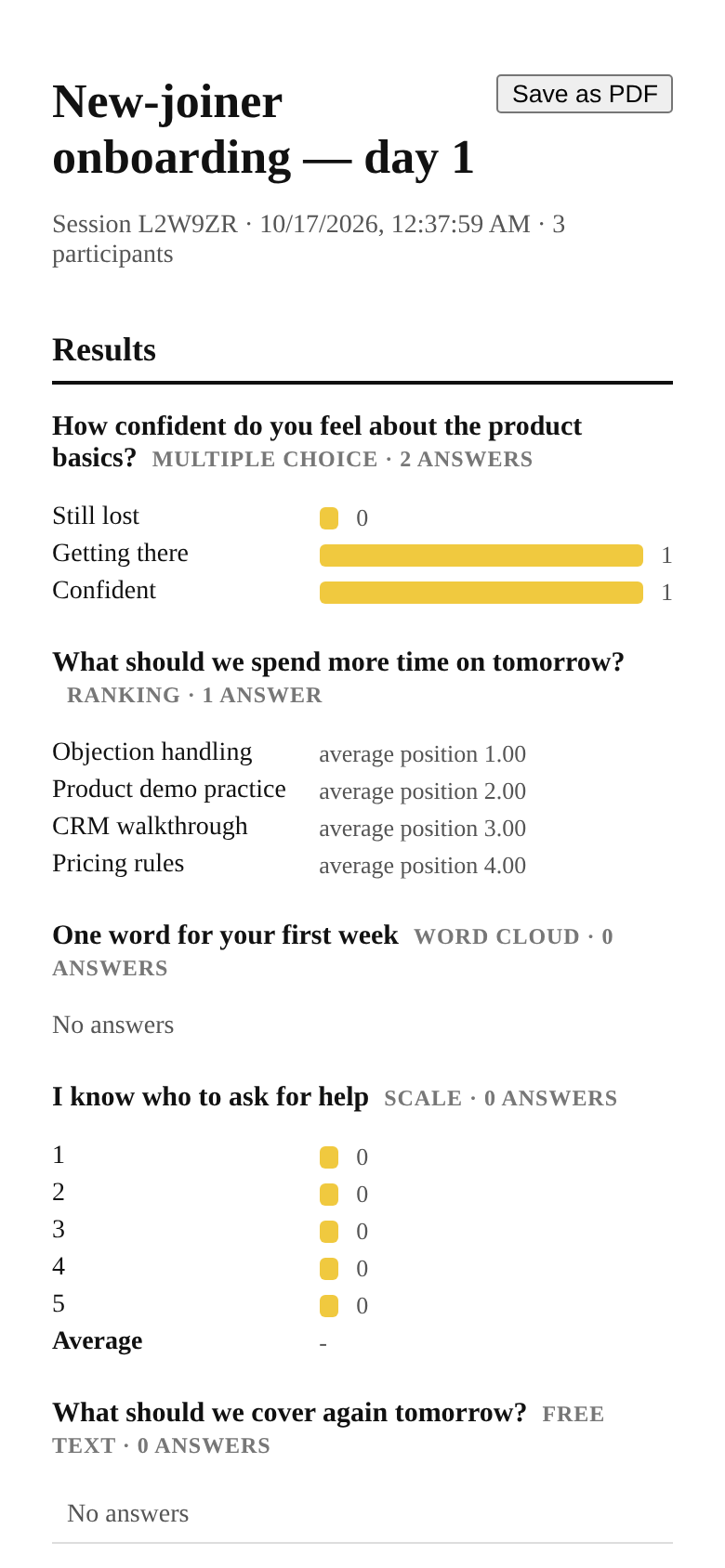
The PDF report.
Guide
Reports: Excel, PDF and CSV
Every session keeps its results. Export them the moment the room leaves.
Open Sessions
Console → Sessions. Each session has three downloads: CSV, Excel report and PDF report.
Excel for working
Four sheets: per-question results, a topic breakdown, the people leaderboard, and the audience Q&A with votes.
PDF for sharing
A clean one-document report of the same data. Use “Save as PDF” in the print dialog and send it to your client or manager.
CSV for everything else
Raw per-answer rows when you want to analyse further.
The topic breakdown uses the topic field on each question, so tag topics when you build the deck.