Help
Your first session takes five minutes
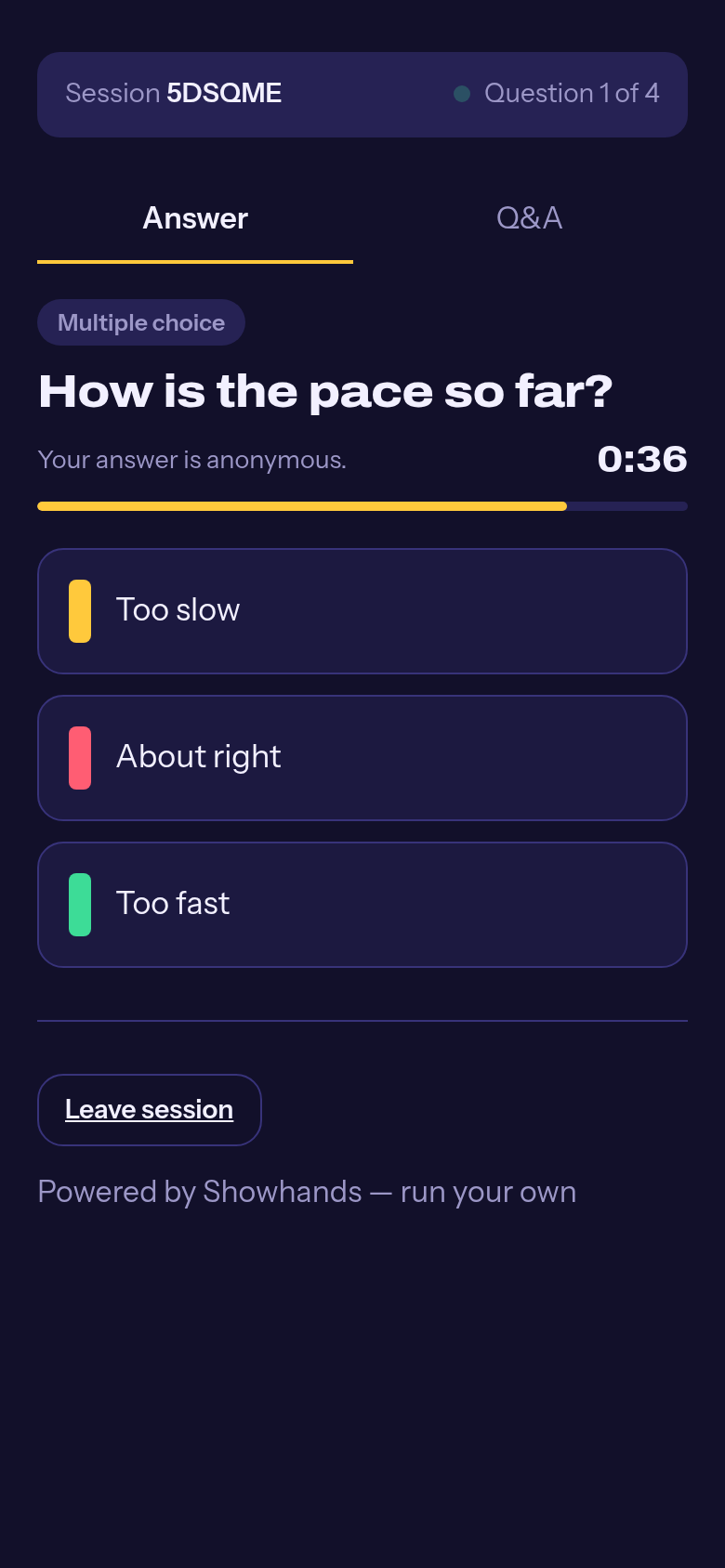
Everything below comes from the real product, with real phone screenshots. No account needed for your audience, ever.
Quick start
Make a deck
In the console, choose New deck, give it a title and add a question. Multiple choice is the fastest way to see it working.
Press Present
You get a session code and a QR code on the big screen. That screen is what your audience sees.
The room joins
They scan the QR or go to showhands.app and type the code. No app, no sign-up, no downloads.
Answers come in live
Reveal results when you are ready. Then Next question, and repeat. End the session when you are done.
Take the results with you
Every session exports as Excel, PDF or CSV from the Sessions tab.
Guides
Build a deckQuestion types, timers, topics and answer keys.
Results in PowerPointInstall the add-in, paste a session code, live bars in slideshow mode.
Run a sessionPresent, join codes, timers and revealing results.
Audience Q&AAnonymous questions, upvotes and pinning one on screen.
Ranking questionsLet the room put options in order, see the average.
Reports: Excel, PDF, CSVPer-question results, topic breakdown and the Q&A log.
Read the FAQ · something missing? hello@showhands.app