← All guides
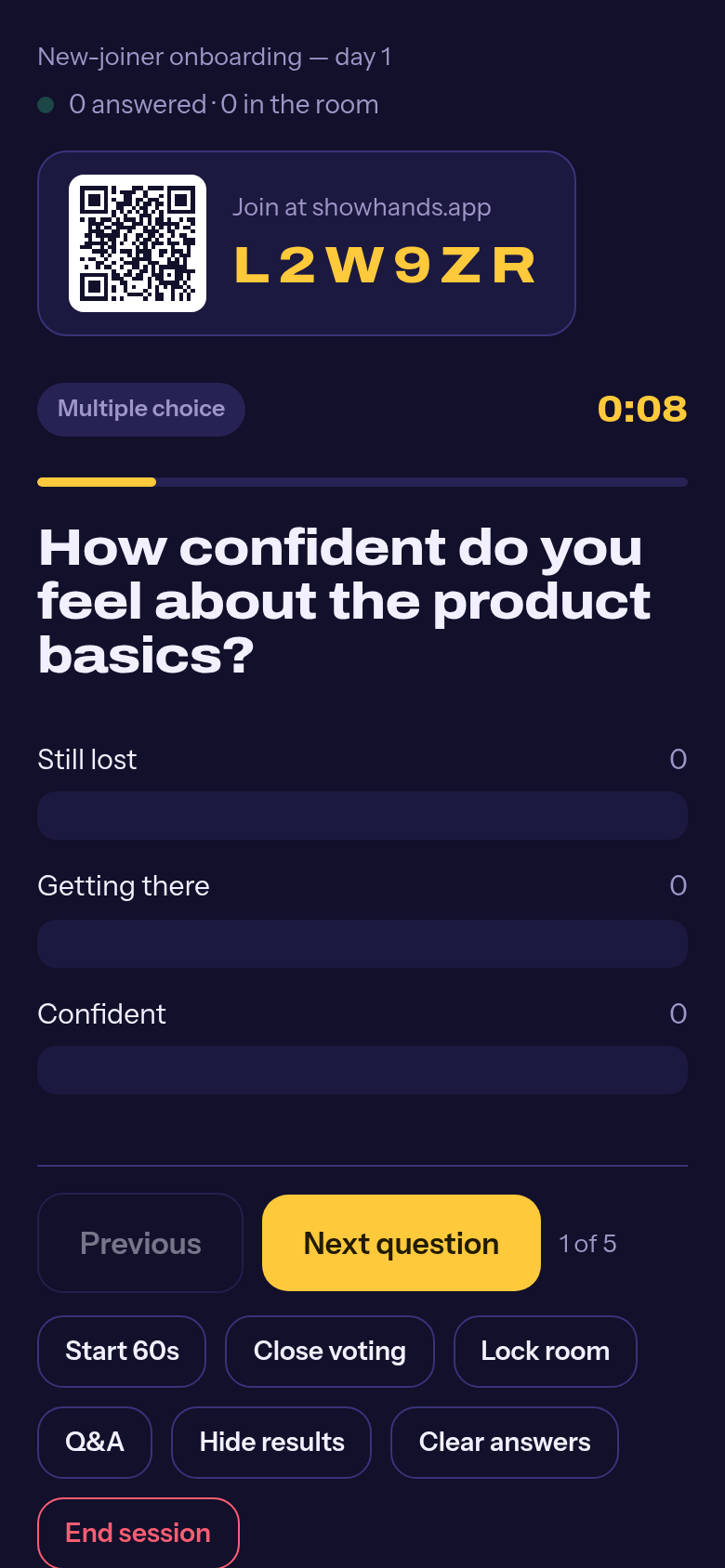
The present screen: QR, code, question. 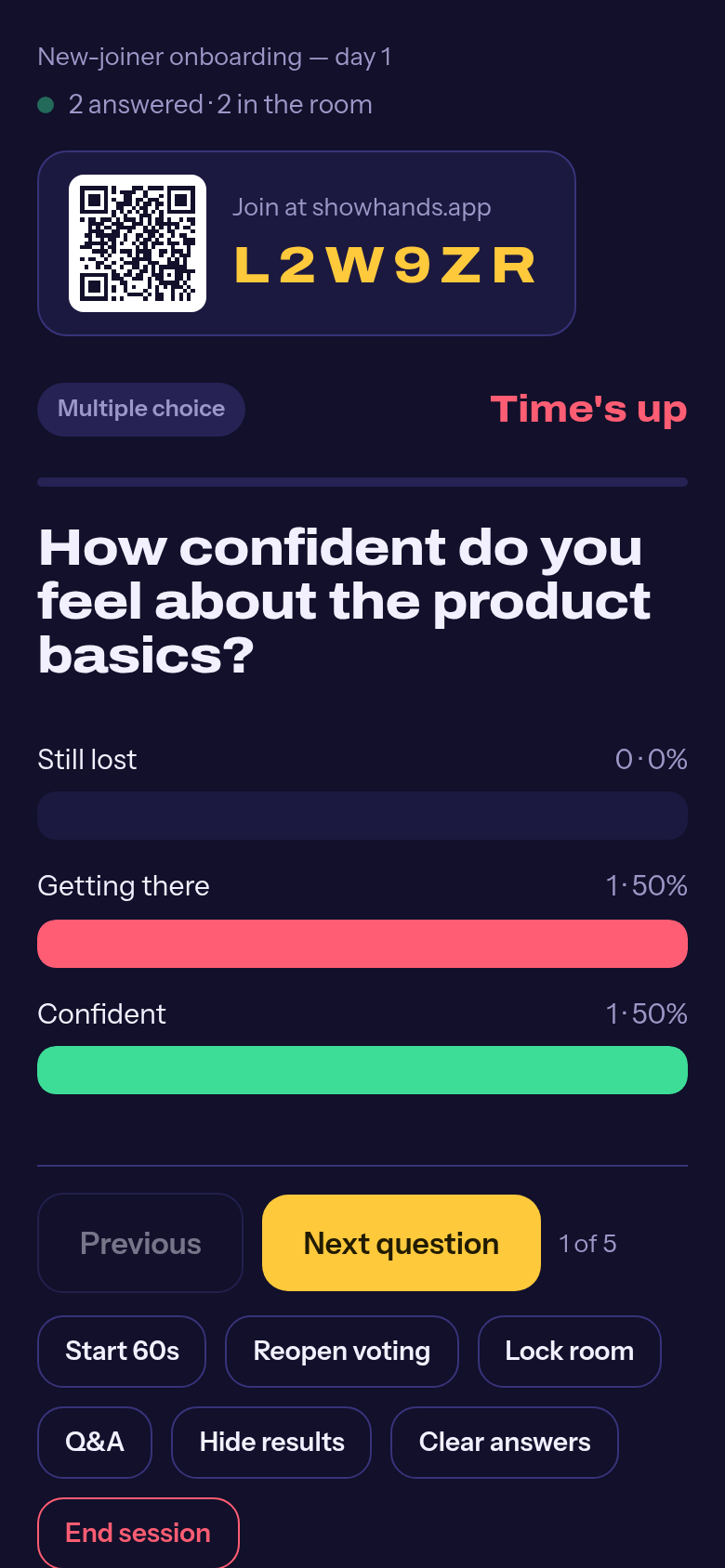
Results after you reveal them.
Guide
Run a session
Present on the big screen, the room answers on their phones.
Press Present on your deck
A session opens with a fresh code. The present screen shows the code and a QR, the question, and how many people are in the room.
The room joins
They scan the QR or go to showhands.app and type the code. That is the whole sign-up: there is none.
Watch answers come in
The counter tells you how many have answered. Results stay hidden until you reveal them, so early answers do not sway the room.
Reveal, then Next question
Reveal the results, talk about them, move on. Reopen voting if the room needs more time.
End the session
Ending closes joining and voting. The results stay in your Sessions tab for export, forever.
Running remotely? Share the present screen over your video call. The room joins the same way.